How to Monitor a Salon Website for Downtime
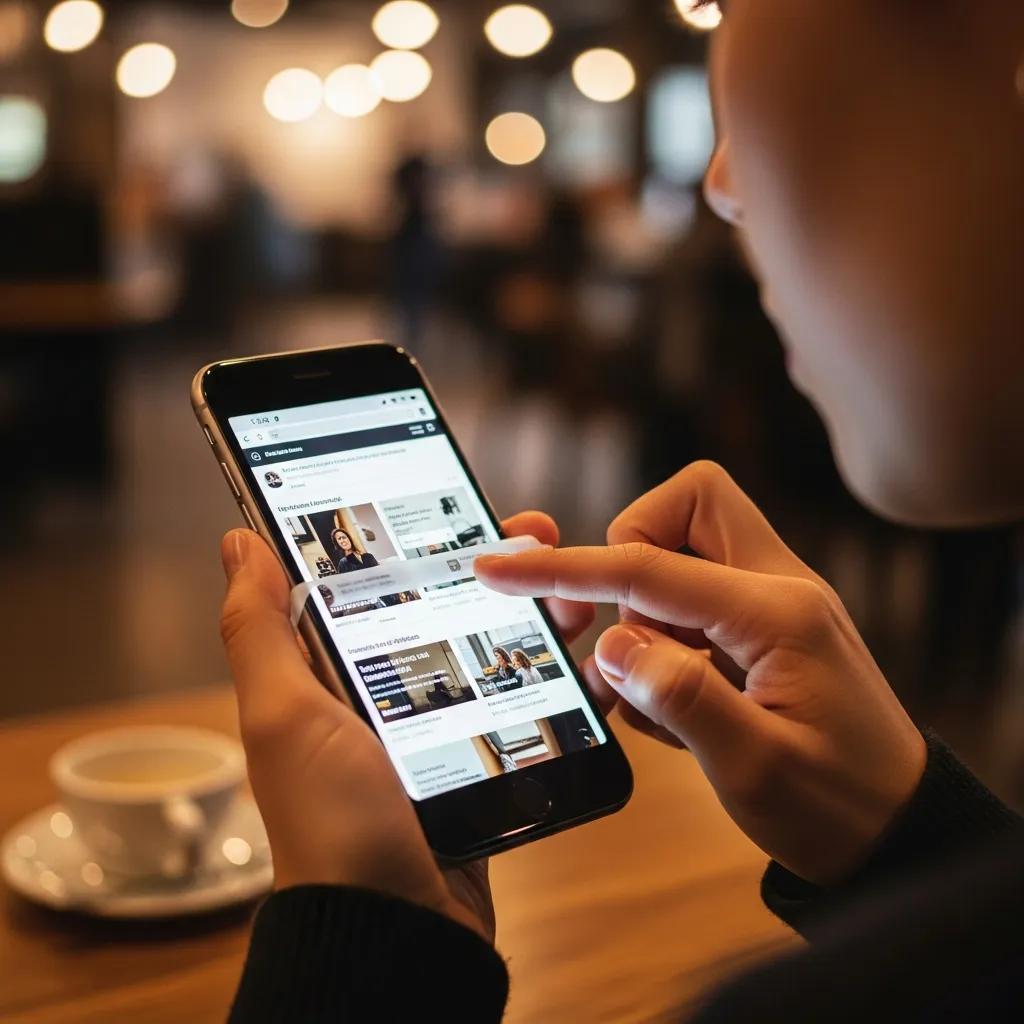
Salon websites drive appointments, reviews, and repeat business. If your booking page is down, clients book elsewhere. Monitoring keeps your booking flow live and alerts you quickly when anything breaks.
Use this guide to monitor a salon website with minimal setup and maximum impact.
Quick list of key points
- Monitor the booking flow
- Check services and pricing pages
- Watch third-party booking tools
- Protect your domain and SSL
- Use alerts you will see
- Have a backup appointment path
Monitor the booking flow
Your booking or scheduling page is your most valuable asset. Monitor it every few minutes so you catch outages before they impact your calendar.
Check services and pricing pages
Clients often compare services before booking. Monitor your services page and pricing page so they stay accessible during promotions.
Watch third-party booking tools
Many salons use external booking platforms. If that widget fails, your site can look fine while bookings silently break. Monitor the booking page and track response time for early warnings.

Protect your domain and SSL
SSL warnings can stop bookings immediately. Add SSL expiration checks and confirm your domain always resolves correctly.
Use alerts you will see
SMS alerts are ideal for downtime. Email alerts work well for SSL and slower performance issues.
Have a backup appointment path
If the site goes down, update your social profiles with a direct booking link or phone number. That keeps appointments coming in until the issue is fixed.
Keep your salon bookings on schedule
Monitor the pages that drive appointments and get notified fast.
Keep exploring